


Betvisa App Download for Android & iOS in Bangladesh
The Betvisa app is our mobile betting and casino platform for players in Bangladesh. It provides access to sports markets, live betting, slots, live dealer games, crash titles, promotions, BDT payments, and account management from compatible smartphones and tablets.
To complete the Betvisa download APK process on Android, get the installation file directly from our website; iPhone and iPad users can scan the QR code in the Betvisa download app section. The mobile interface supports English and Bengali and is optimized for touch controls and smaller screens.
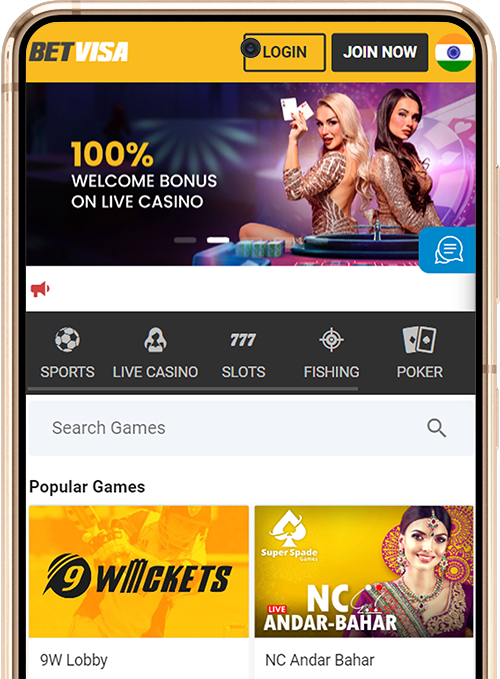
Key Specifications of the Betvisa Mobile Application
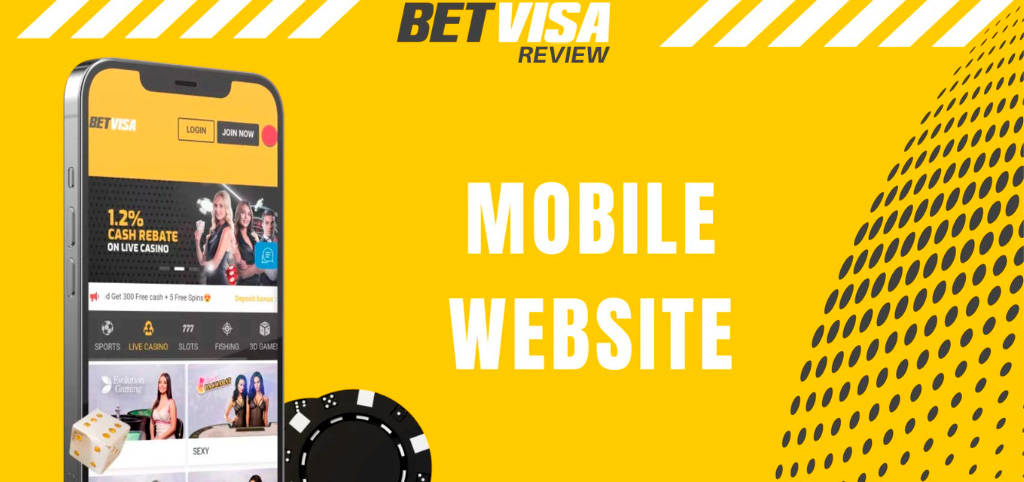
Our mobile platform offers the same key features as the desktop version. Here are the main details about the app:
| Specification | Details |
|---|---|
| Application | Betvisa |
| Developer | Betvisa |
| Price | Free |
| Operating systems | Android and iOS |
| APK file size | 64 MB |
| Languages | English and Bengali |
| Account currency | Bangladeshi taka (BDT) |
| Gambling products | Sportsbook, live betting, slots, live casino, crash games, lottery, fishing games, and arcade titles |
System Compatibility and Requirements
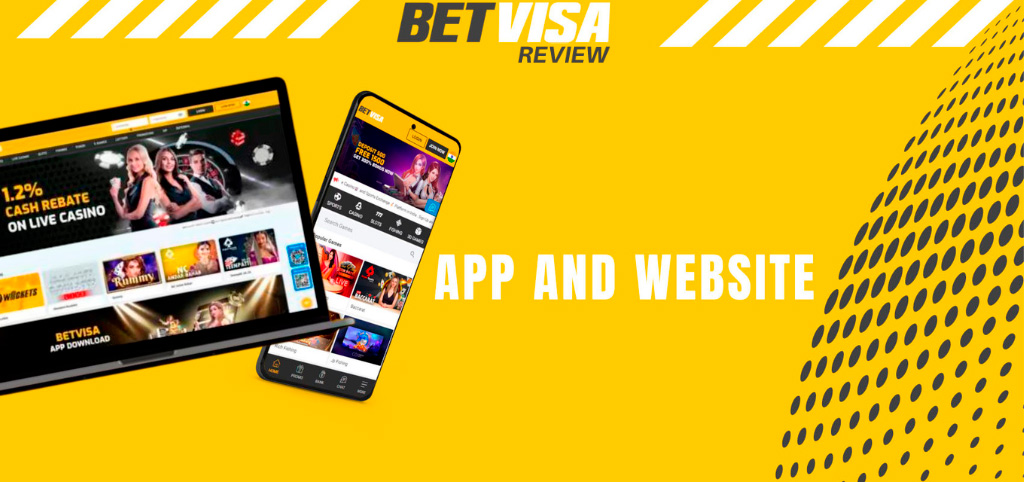
Before downloading the Betvisa app, it’s essential to ensure your device meets the necessary technical requirements for smooth performance. Here’s a quick overview of system compatibility and specifications for Android and iOS devices.
| Specification | Android app | iOS app |
|---|---|---|
| Supported devices | Android smartphones and tablets | iPhone and iPad |
| Operating system | Android 5.0+ | iOS 12.0+ |
| Download size | 64 MB | 30 MB |
| Storage requirements | Space for the 64 MB download, installation, and app data | Space for the 30 MB download, installation, and app data |
| Internet connection | Wi-Fi or mobile data | Wi-Fi or mobile data |
Main Features and Mobile Experience
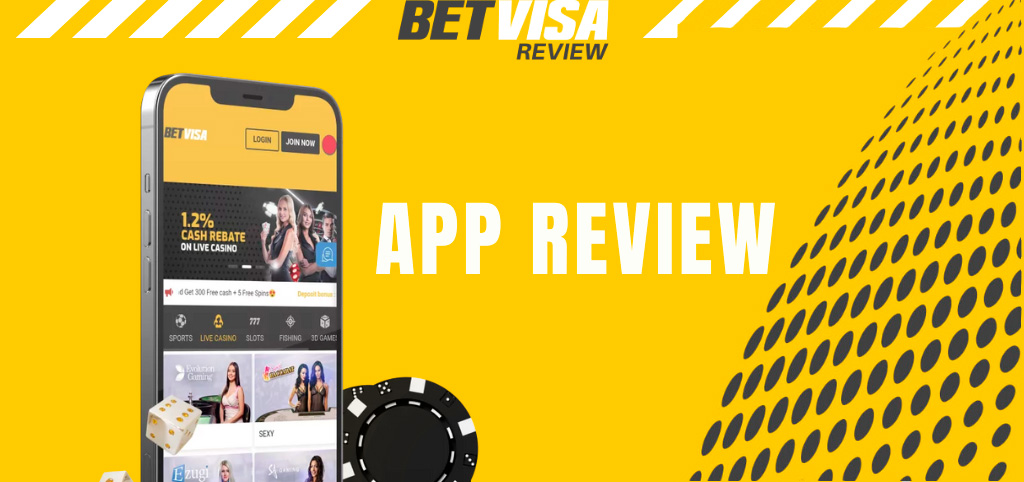
The Betvisa application provides one mobile account for our sportsbook and online casino. Members can move between games, events, promotions, and payment tools without opening a separate service. The main mobile features include:
- Sports Betting: Place pre-match and live bets.
- Sports Markets: Explore cricket, football, tennis, and basketball markets.
- Slots and Jackpots: Play online slots and progressive jackpot games.
- Live Casino: Join live Baccarat, Roulette, Blackjack, Dragon Tiger, and Sic Bo tables.
- Crash Games: Play Aviator, JetX, Limbo, Balloon, and Big Bass Crash.
- Fishing and Arcade: Access fishing games and arcade titles.
- Local Payments: Deposit in BDT using popular local payment methods, including bKash, Nagad, Rocket, UPay, and Tunepay, as well as cryptocurrencies.
- Bonuses and Rewards: Access deposit bonuses, free spins, reloads, rebates, and VIP rewards.
- Language Options: Use the platform in English or Bengali.
- Customer Support: Get help through live customer assistance.
Mobile Interface Design and Navigation
The Betvisa Bangladesh login app features a bold yellow, black, and white theme that gives it a clean, high-contrast look across all screens. The mobile-first layout pairs this striking colour scheme with touch-friendly controls and clearly separated sections, making it easy to find what you need at a glance.
The main navigation provides direct access to sports, live betting, casino games, promotions, the cashier, and account settings. Game thumbnails and category filters are displayed against the app’s sharp black and yellow backdrop, making it simple to browse slots, live tables, crash games, fishing titles, and arcade releases. The sportsbook arranges events by sport and competition, while the bet slip keeps your selected markets together before confirmation.
Account balances, promotional offers, payment tools, and support options are always within reach without leaving the platform. The responsive design adapts seamlessly to different smartphone and tablet screen sizes, ensuring the yellow, black, and white interface looks sharp on any device.
Downloading and Installing Betvisa APK for Android
Android users can obtain the Betvisa APK directly from our official download page. Follow these steps to complete your Betvisa download for Android and install the app:
- Open our website. Visit the Betvisa official site through Chrome or another supported Android browser.
- Go to the download page. Select the Download App tab from the website menu.
- Download the Betvisa APK file. Tap the Android download link and wait for the installation package to reach your device.
- Allow the installation. When Android requests permission, enable installation from the browser used to download the file.
- Install the application. Open the completed APK download and select Install.
- Launch Betvisa. Open the application and log in with your registered mobile number or other account credentials.
Android can block an APK when installation from the selected browser is disabled. Open the device settings, grant temporary installation permission to that browser, complete the process, and disable the permission afterward.
Getting the Betvisa App on iOS Devices
Getting started with the Betvisa app on your iOS device is quick and straightforward. Follow these simple steps to download, install, and sign in seamlessly.
- Open Betvisa. Visit our official website in Safari.
- Select Download App. Open the dedicated Betvisa app download tab from the main menu.
- Scan the iOS QR code. Use the iPhone or iPad camera to scan the code displayed for iOS.
- Follow the instructions. Tap the link that appears and follow the on-screen prompts to complete the installation.
- Sign in. Launch the mobile platform and enter your Betvisa account details.
Accessing Betvisa on PC and Desktop
Desktop users can access Betvisa through the web-based platform without downloading mobile software. Open our website in a supported browser, log in, and use the sportsbook, casino, cashier, promotions, and account settings from the main navigation.
The web version works on Windows and macOS computers through current versions of Chrome, Edge, Firefox, and Safari. Account information remains synchronized across devices, allowing members to sign in on a computer after using the mobile application. A stable internet connection and an updated browser support faster page loading, live odds updates, casino streaming, and protected account sessions.
Financial Transactions in the Mobile App
The mobile cashier supports BDT deposits through local payment services and selected cryptocurrency networks. Available deposit methods include bKash, Nagad, Rocket, UPay, Tunepay, USDT TRC20, and USDT ERC20.
Deposits through supported mobile channels start from ৳200. Before completing a payment, members can select an eligible promotion, including the 8% Nagad, Rocket, UPay, or Tunepay deposit bonus, 1% bKash bonus, JILI first-deposit offer, or an available reload promotion.
Withdrawals are sent to a payment account linked to the member’s Betvisa account. The minimum withdrawal is ৳1,000. Mobile-wallet withdrawals are processed within 12 hours, while bank transfers take 1 to 3 days after security checks are completed.
How to Make a Deposit
The deposit page presents the available methods, applicable limits, and bonus selection. Check every payment detail before confirming the transfer.
- Open the cashier. Log in through the Betvisa app and select Deposit.
- Choose a bonus and method. Select an eligible promotion, then choose bKash, Nagad, Rocket, UPay, Tunepay, USDT TRC20, or USDT ERC20.
- Enter the deposit. Specify an amount of at least ৳200 and follow the displayed payment instructions.
- Confirm the transaction. Complete the transfer and check that the funds and eligible bonus have reached your balance.
How to Request a Withdrawal
Complete all account and payment checks before submitting a cashout request. Unfinished verification will delay processing.
- Select Withdrawal. Open the mobile cashier and enter the withdrawal section.
- Choose a payout option. Select an available mobile wallet or bank-transfer method connected to your account.
- Enter the amount. Request at least ৳1,000 and confirm the receiving account details.
- Submit the request. Approve the withdrawal and monitor its status through your Betvisa account.
How to Start Playing via Mobile
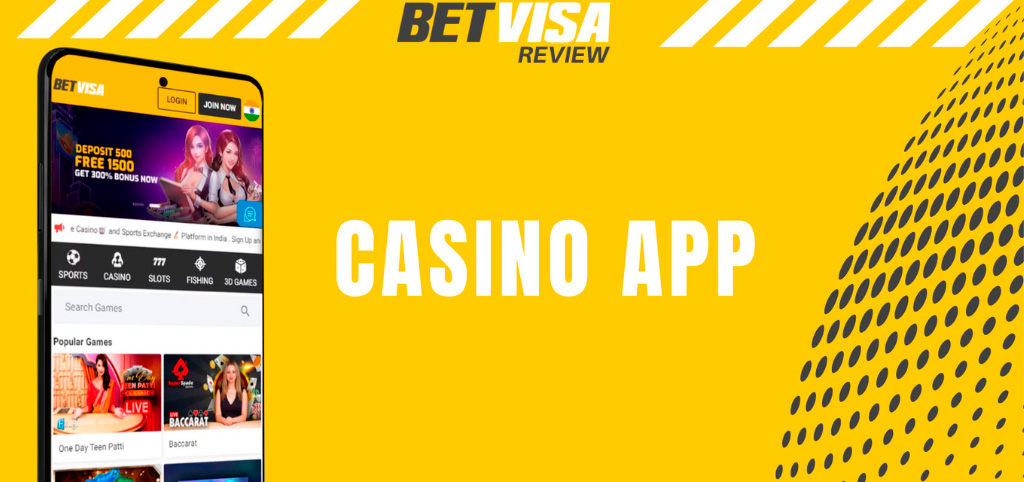
A single account provides access to both sports betting and casino gaming. New members must register with accurate details and verify their mobile number and email address.
Follow these steps to begin:
- Download or open Betvisa. Install the Android or iOS app, or visit the mobile website.
- Create an account. Enter your mobile number, email address, password, full name, and other required information.
- Verify your details. Open the Personal Info tab and complete the mobile-number and email checks.
- Deposit funds. Enter the cashier, select a payment method and eligible bonus, and complete a deposit.
- Choose a product. Open the sportsbook, live betting page, slots lobby, live casino, or another game category.
- Place a wager. Select the market or game, enter the stake, review the details, and confirm.
Troubleshooting Common Mobile App Issues
Most mobile problems are resolved by checking the installation source, connection, permissions, or software version. Use the following solutions before reinstalling the application:
- The APK does not install: Verify the file was downloaded from our official website, enable browser installation permissions, and ensure the device has sufficient storage space.
- The Betvisa Bangladesh app download does not start: Refresh the download page, check the internet connection, and confirm that the browser permits file downloads.
- The iOS QR code does not open: Increase the screen brightness, clean the camera lens, scan the entire code, or open the Betvisa download page directly in Safari.
- The application loads slowly: Switch between Wi-Fi and mobile data, close unused applications, and restart Betvisa.
- The app closes unexpectedly: Restart your device, get the Betvisa apk download latest version from our official website, and install the update over your existing app.
- Betvisa apk online login fails: Recheck the registered mobile number and password, confirm the internet connection, and use the account-recovery option when necessary.
- A payment is missing: Check the payment status and transaction details, then contact our support with the correct transaction reference.
Customer Care and Support Services
Our customer care team is available 24/7 through live chat and email. Members can request assistance with the sign up process, Betvisa app login problems, application installation, bonuses, deposits, withdrawals, verification, and game access.
Live chat is available through the support section of the app and website. Email enquiries can be sent to [email protected] with the registered account details and a clear description of the problem.
FAQ about Betvisa App
Is the Betvisa app free to download?

Yes, our Android and iOS apps are free to download.
Can I use the same account on mobile and desktop?
Yes, the Betvisa login download process does not require a separate account. Use the same login details on mobile and desktop, with your account information synchronized across both.
Is Betvisa available in Bengali?
Yes, our mobile platform supports Bengali and English.
What is the minimum mobile deposit?
The minimum deposit through supported mobile payment channels is ৳200.
How much storage does the Betvisa app require?
The Android download is 64 MB, while the iOS download is 30 MB. Both require additional space for installation and app data.